Do I need an Apple Watch?
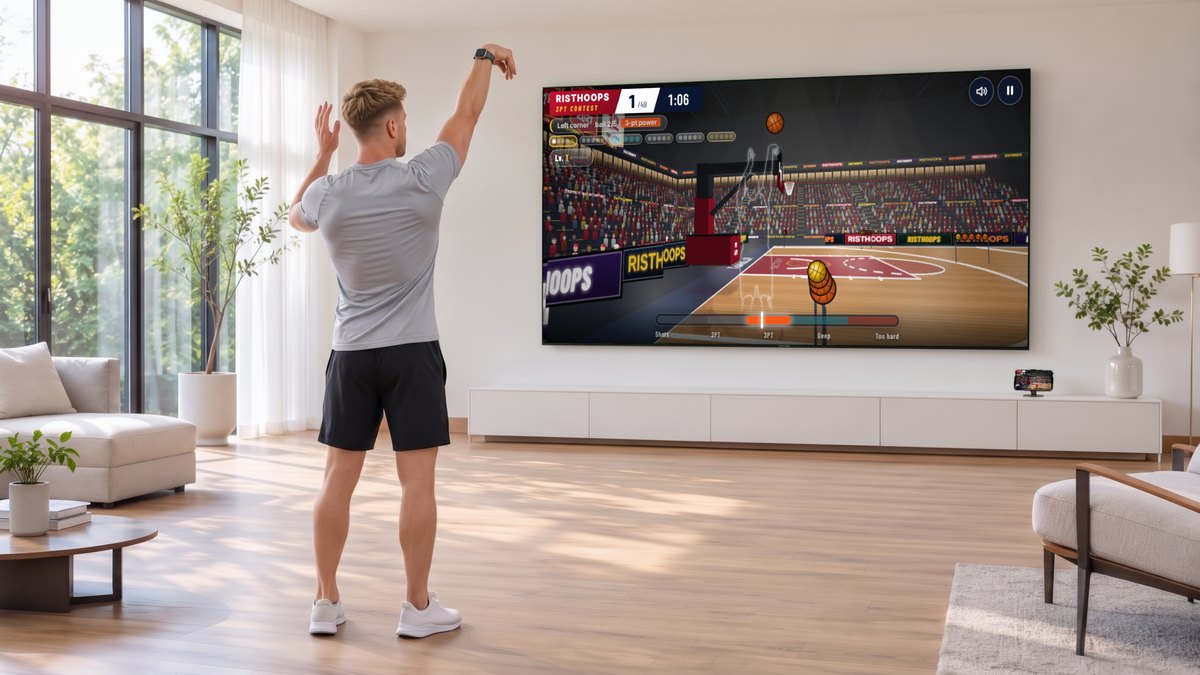
No. With a watch you shoot with a shooting motion; without one you swipe on the screen.
The watch doesn't respond, or only the first shot counts
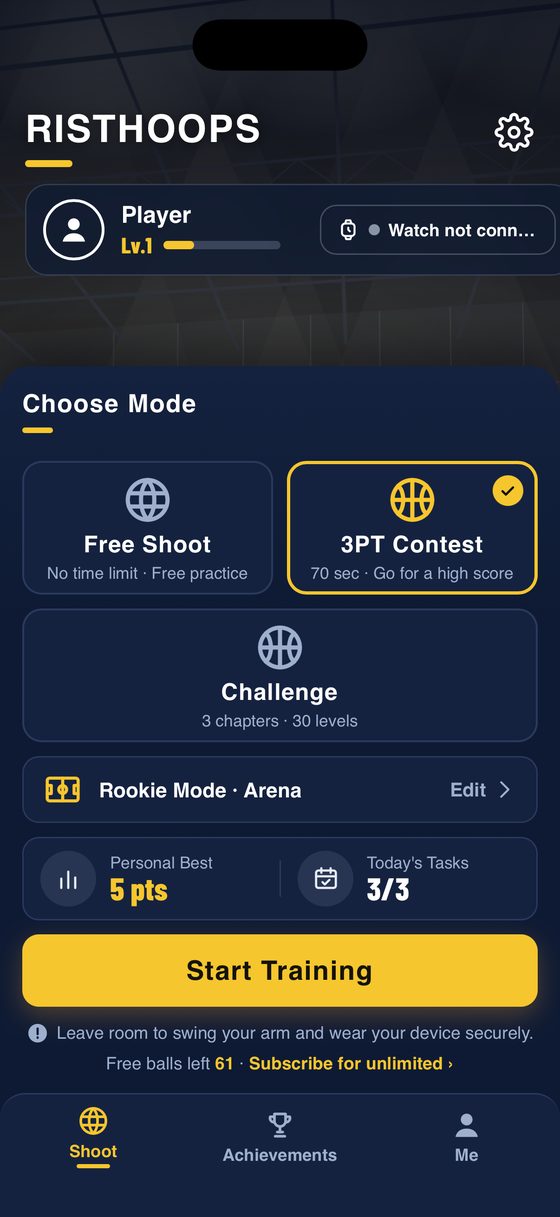
Open RistHoops on both iPhone and Apple Watch, tap Start Sensing on the watch, and check that the iPhone shows "Watch connected". Wear the watch on your shooting hand and set Shooting hand on the watch.
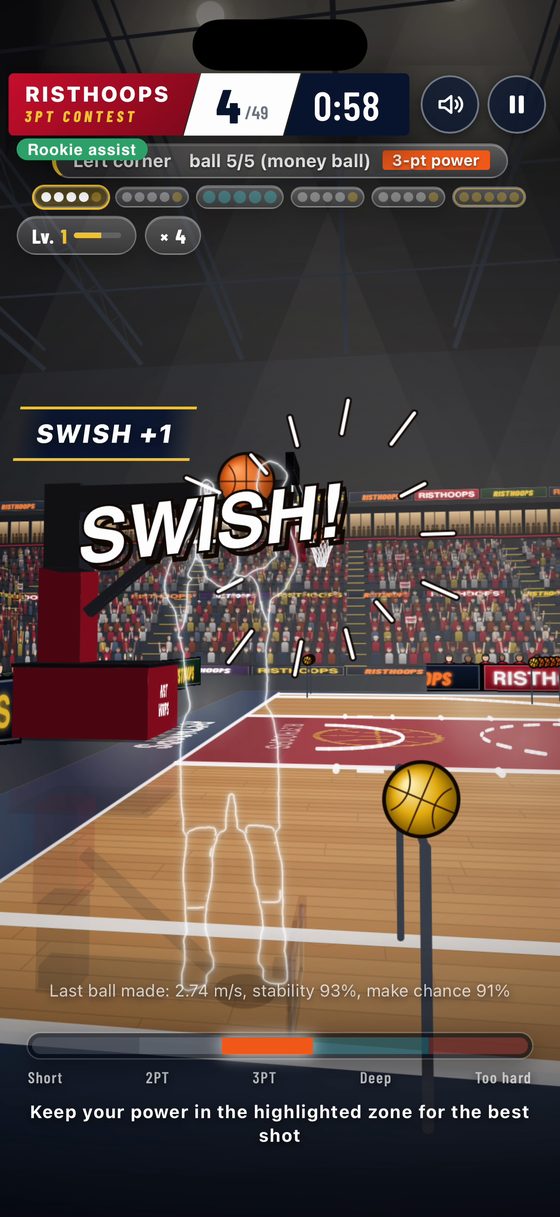
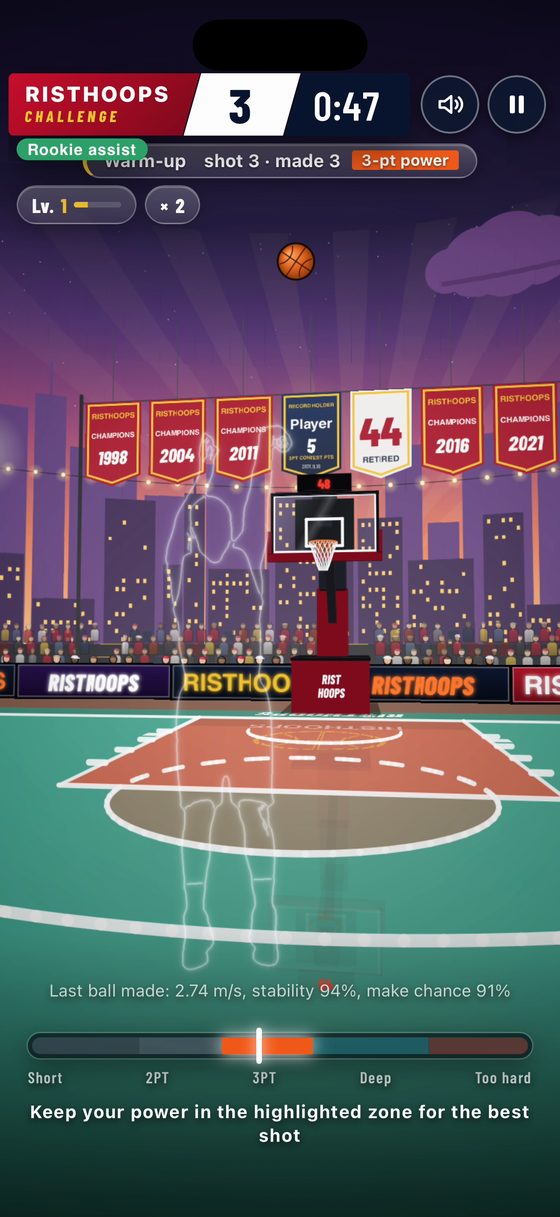
It keeps saying "too soft" or "too hard"
Redo power calibration: 5 free throws and 5 threes, and the app relearns your power.
What's free, and what does a subscription add?
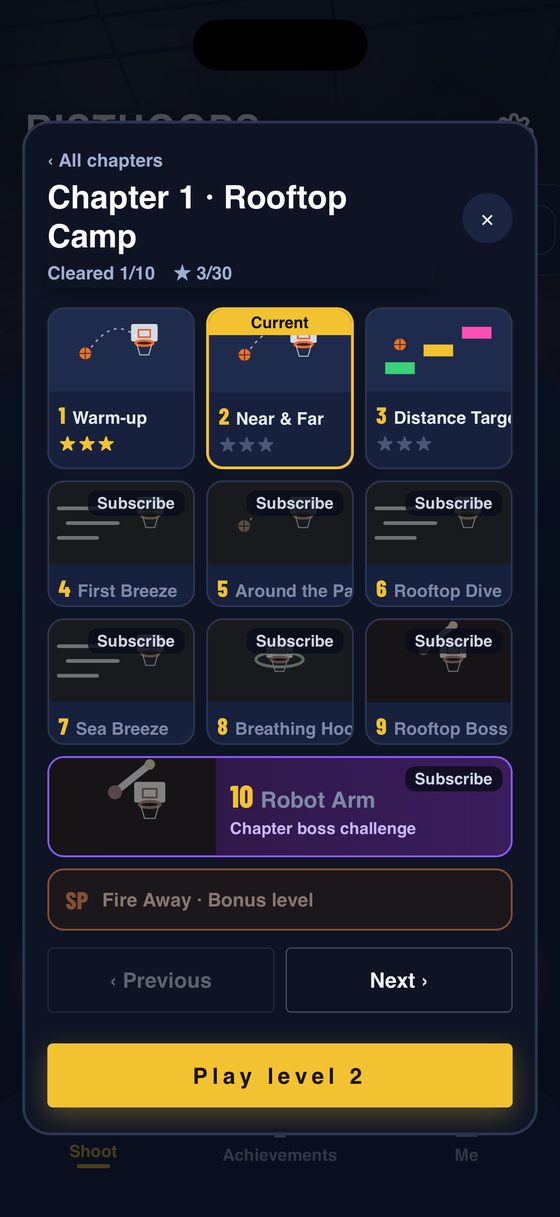
You start with 100 free shots. A subscription removes the limit. A new court opens every 1,000 shots you take, or earlier when you clear Chapter 1.
I don't see a world ranking
Sign in to Game Center in iPhone Settings. Zero scores aren't submitted. Sessions shot entirely with the watch go to the Watch group; sessions with swipes go to the Touch group.
The session is missing from Fitness
In the iPhone Health app, go to Sharing › Apps › RistHoops and turn everything on.
Is it safe?
You're really moving. Clear at least 1 metre around you, fasten your watch band, and stop if you feel unwell. See the safety agreement.